
Trusted by engineering and security teams including:
Contextual Security Analysis
Follow the change. Find the risk.
A code change is the starting point. DryRun follows the surrounding routes, permissions, and data to explain what that change puts at risk.
Merge candidate
Add customer exports
e3a9c72→ mainRead the change in the context of the application.
Follow the application path
- RequestCustomer export route
- Authorization boundaryTenant check missing
- Data accessAnother customer’s records
Missing tenant authorization.
An authenticated user could export another customer’s data.
What to fix
Scope the export to the authenticated tenant.
Understand the finding. Follow the evidence.
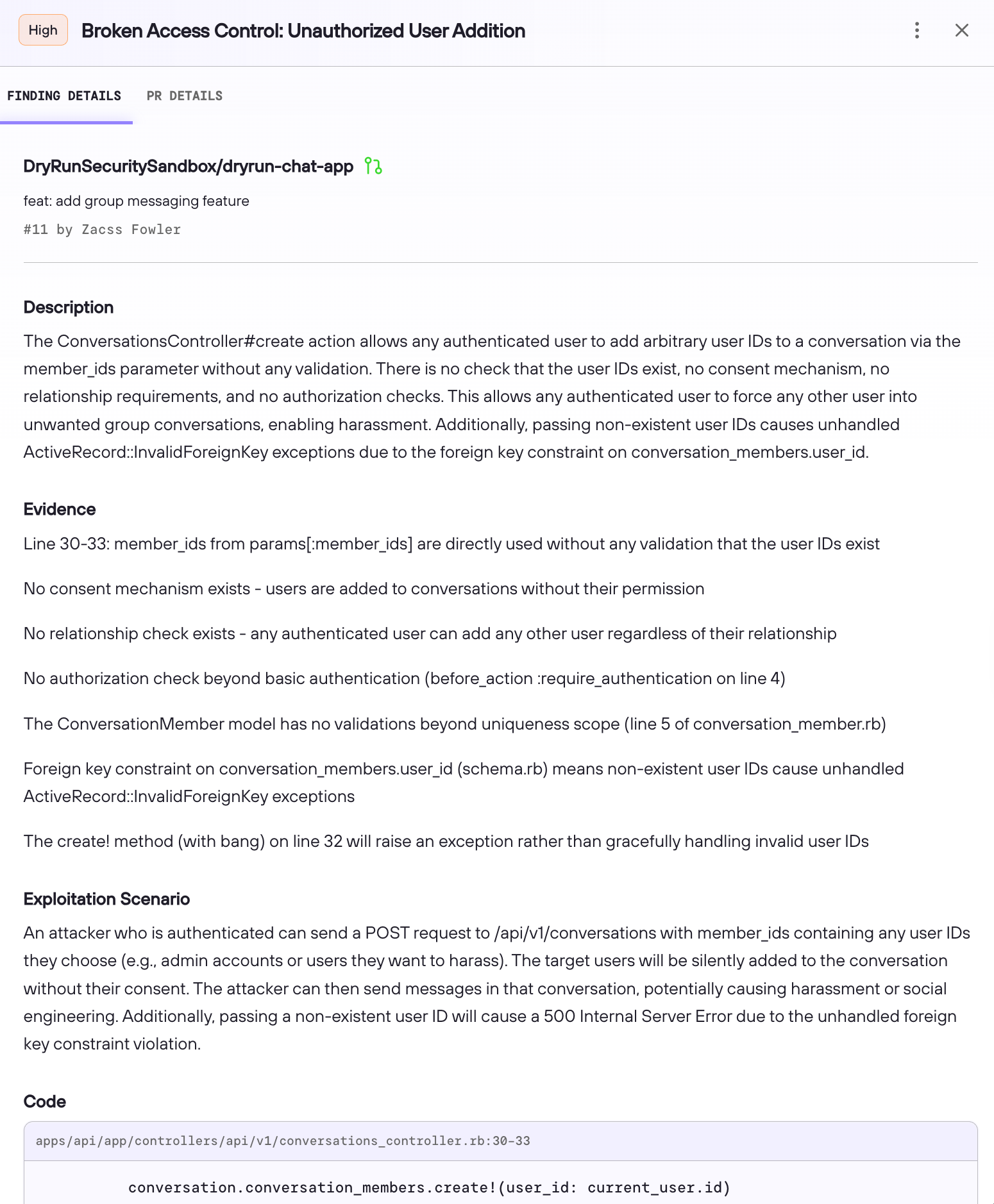
A finding should explain what an attacker could do and where the code allows it. DryRun investigates relevant code paths, permissions, and controls across the repository, then brings the evidence together for your team.
Inspect the code location, exploitation scenario, and fix guidance behind the result. Excluded findings remain available for audit outside the main report.
Review the change. Investigate the repository.
Both PR reviews and DeepScan build and use your security context. DeepScan is not a prerequisite for reviewing a pull request.
PR code reviews
Investigate proposed changes before merge. DryRun combines focused weakness checks, broader security investigation, and your security requirements inside GitHub and GitLab.
Full-repository DeepScan
Investigate risks across the existing codebase, including code untouched by the latest change. DeepScan connects application roles, assets, and controls to give your team a prioritized starting point.
Bring the fix to your coding agent.
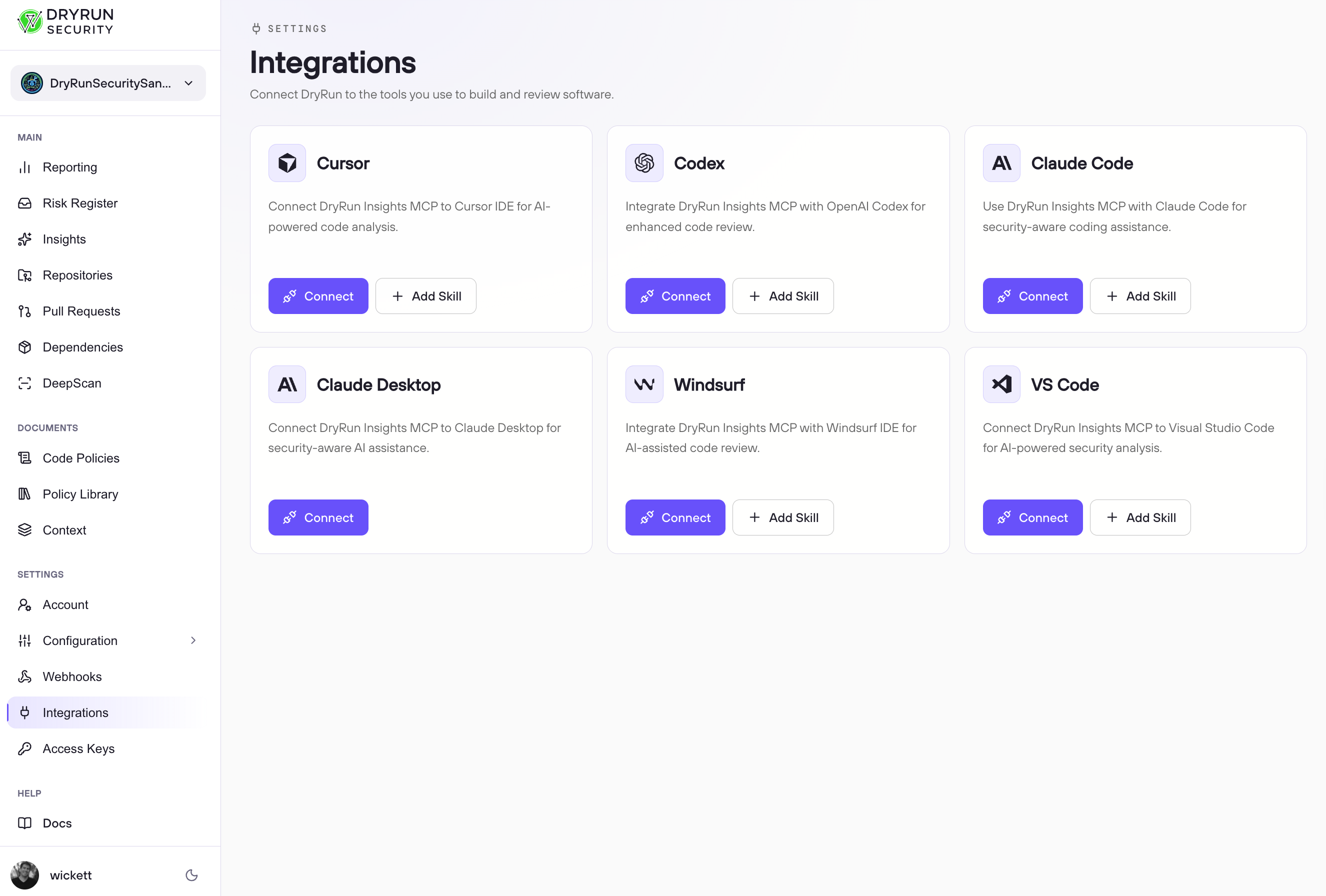
Connect DryRun to the coding tools your developers already use. MCP, API, and skill support brings findings, application context, and fix guidance into their development workflow.
Your developers or coding agents make the repair. DryRun independently reviews the changed code, and your configured checks govern what can merge.
Compare your code security approaches
Choose how you want to analyze code and who will operate that analysis. Build-your-own programs can combine static and AI-native techniques.
| Approach | Analysis and context | What your team maintains | Evidence and workflow |
|---|---|---|---|
| Traditional static analysis | Rules, queries, and program analysis, including data-flow and taint analysis where supported. | Language and framework configuration, rule selection, and tuning. | Evaluate finding quality, code traces, custom requirements, and fit with your review workflow. |
| Build your own | Your chosen models, analyzers, context retrieval, and orchestration. | Integrations, evaluations, evidence retention, and ongoing review quality. | Your team designs how findings reach developers and how repairs are checked. |
| AI-native security analysis | Models applied to security analysis or investigation. Context handling differs by product. | Product configuration, security requirements, and evaluation against your code. | Compare supporting evidence, policy controls, retained context, and repair integrations. |
| DryRun Security | Built-in static checks and contextual investigation that automatically uses retained application knowledge. | Your security requirements, risk thresholds, and decisions about what ships. | Inspectable findings and retained exclusions, GitHub and GitLab checks, and coding-agent fix guidance. |
Coverage across your codebase
PR Scan and DeepScan support all programming languages and frameworks with text-based source code, including languages newly introduced by coding agents. For current coverage and scan-specific details, use the language and framework documentation, PR scanning guide, and DeepScan guide.
Dependency manifest and package support is separate. See Dependency Exploit Validation and the SCA ecosystem list.
Your requirements. Your workflow.
Express application-specific security requirements in natural language. DryRun evaluates them alongside its security analysis; your configured source-control checks enforce your merge policy.
Explore custom code policies or read the Custom Policy Agent guide.
Review our code safety practices, inspect the SAST accuracy research, or ask about your stack.
See what your code puts at risk.
Bring your application and your security requirements. See how DryRun investigates the code, explains the risk, and guides the fix.